Life Dashboard — Hermes Edition
Hermes, running on your Raspberry Pi dressed up in a touchscreen and speaking iMessage.
Media
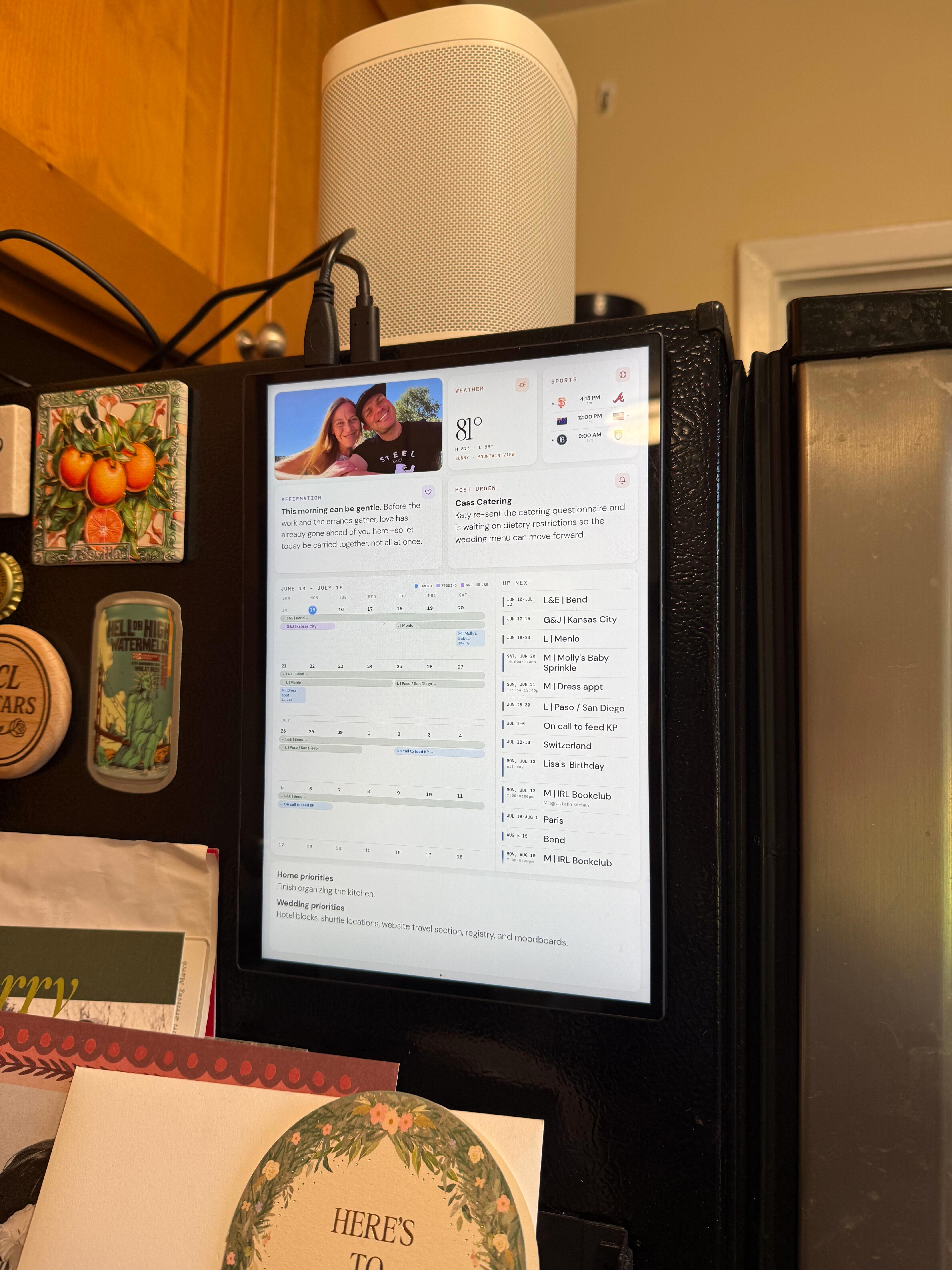
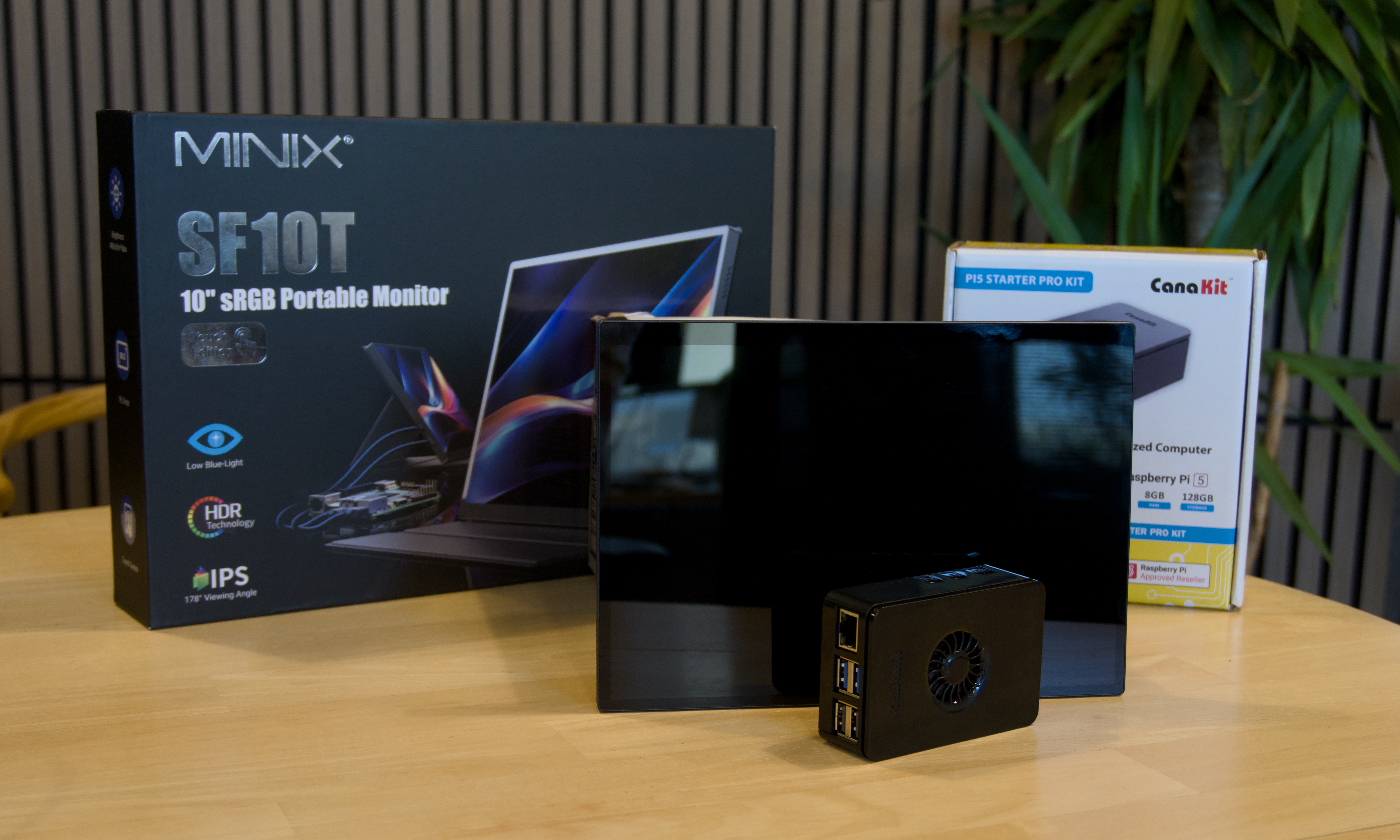
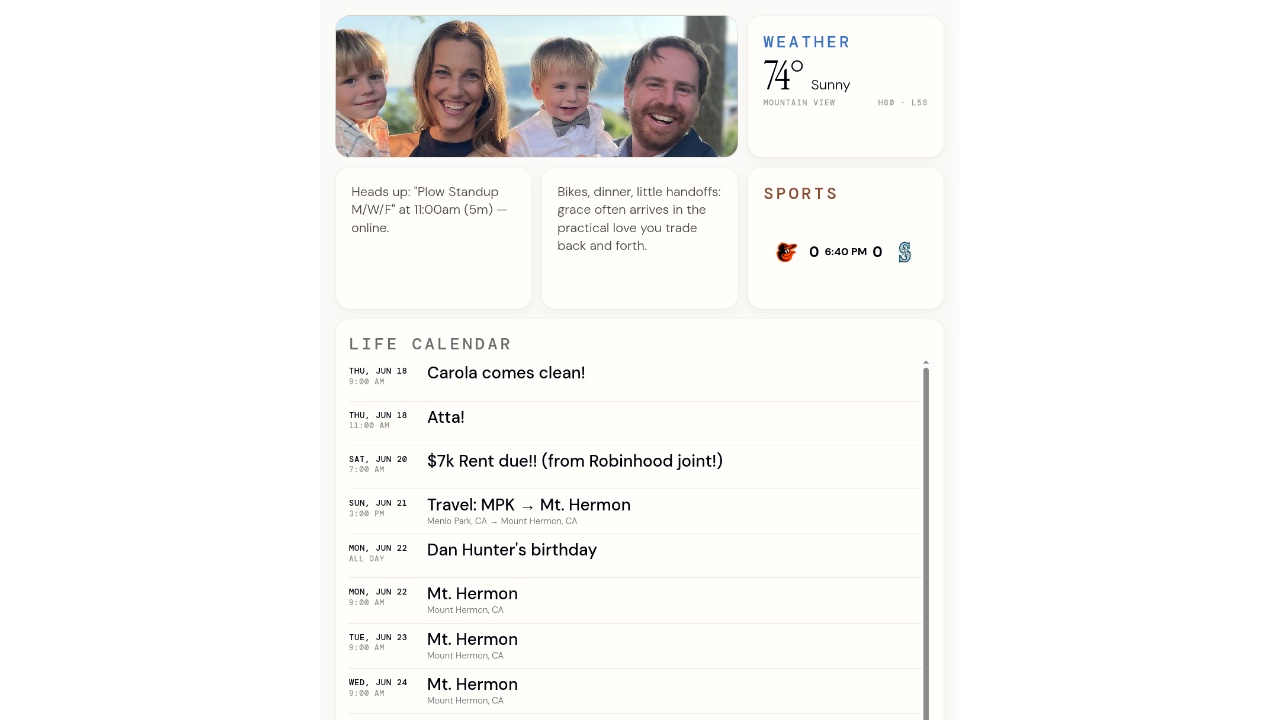
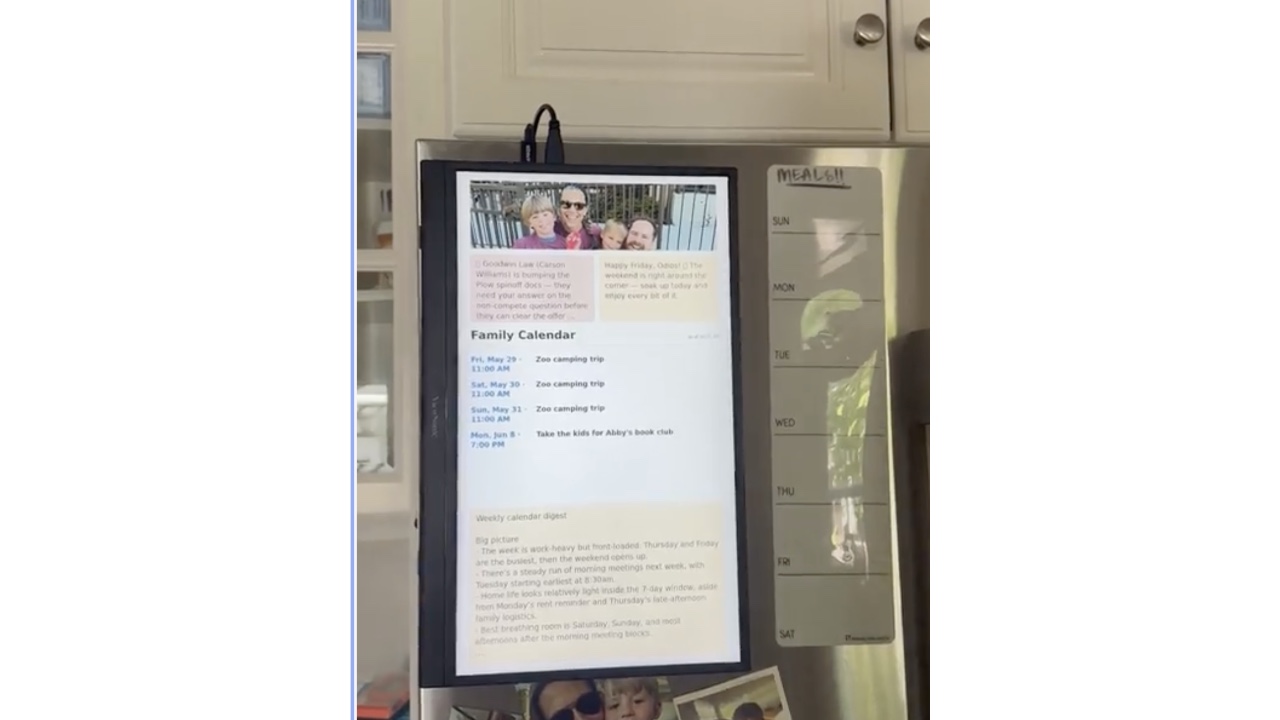
What this seed does
Mount a cheap touchscreen on the fridge and a local AI agent keeps it current: today's schedule, the weather, a digest of your morning email. No cloud dashboard, no app to open — the agent runs on the Pi and the screen is just always on.
One command installs the whole stack and depdendencies.
Point any AI coding agent at the repo, answer two questions, run a short setup script once, and walk away. It stands up five dependencies on the Pi: SSH, the Hermes agent, the iMessage gateway, the dashboard producers, and the kiosk — and finishes with real data on the screen.
- It's a real agent, running on your hardware. Hermes lives in a container on the Pi — not a SaaS dashboard. Your private calendar and email stay on a box in your kitchen.
- You text it. The agent is wired to iMessage, so you reply to it from your phone to ask things or steer it. It also pings you (e.g. a calendar nudge) the same way.
When to use it
- You want a wall-mounted family dashboard on a Raspberry Pi that shows today's calendar, weather, and a morning briefing.
- You want your household to get iMessage nudges for calendar events, pulled automatically from Google Calendar by a background AI agent.
Source
Version history
1 releaseInitial Seed Release.
Dependencies
8 required · 1 optional- SWPi system packages (Node ≥20.6, npm, git, Chromium, emoji font)required· probed up front by installer preflight; installed unattended (passwordless sudo) or folded into prepare-script
- SWDocker + Compose v2 on the Pirequired· probed up front; Compose v2 installed explicitly (Debian trixie has no apt candidate); native linux/arm64, no qemu needed
- APIChatGPT / openai-codex accountoptional· link ›· reused from install host's own Codex credential when present (zero interaction); device-code OAuth fallback only when no credential exists on the host
- APIPlow Chat gatewayrequired· one-time iMessage phone-bind front-loaded into the prepare-script; bypass by setting PLOW_CHAT_TOKEN
Contributors
1 contributor
Comments
2 commentsYou need to be signed in with GitHub to comment.
Similar seeds
Run the Hermes AI agent locally in Docker with a browser dashboard, ChatGPT login, and files you can edit directly from your computer.
by @plow-pbcUses the same Hermes AI agent scaffold that the target builds upon as its foundation.
Installs six AI-powered life-dashboard producer skills into your home agent so your household screen gets daily briefings, weather, sports scores, and meeting nudges automatically.
by @plow-pbcNearly identical seed for Hermes-based household dashboard with weather, calendar, email digest, and daily affirmations on Raspberry Pi.
Turn a Raspberry Pi into an always-on family wall screen showing your shared calendar, rotating photos, and push message cards.
by @plow-pbcNearly identical purpose — a Raspberry Pi dashboard showing calendar, photos, and household information with AI-powered features.
One command sets up a personal AI-powered life dashboard — a Raspberry Pi kiosk with daily briefings, alerts, and calendar info, kept fresh by a Mac agent.
by @plow-pbcNearly identical seed for the same Life Dashboard system, using Hermes agent instead of Plow but delivering the same Raspberry Pi kiosk with calendar, weather, and daily briefings.
I am going to install this and let you know if it works!
I love my life dashboard! It makes it so much easier to keep track of everything we have going on in this busy season of life. I customized ours to use the bottom section to display text in reminders. If we want to remember to touch base on certain topics or set goals for the weekends, that all shows up on the fridge now.